1. Install Apache
sudo apt-get install apache2

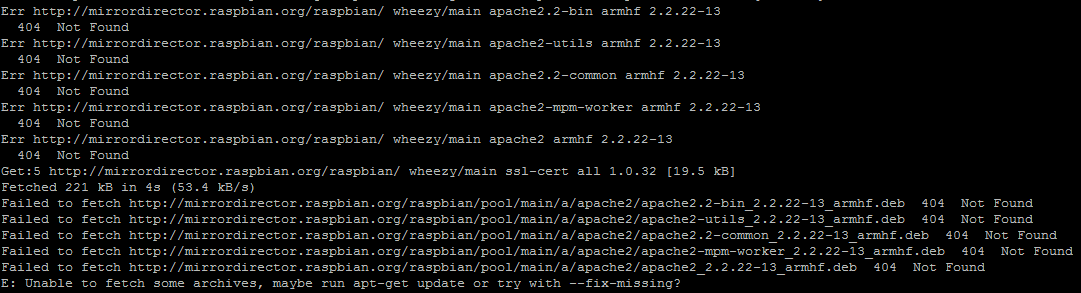
If you see this error message, you need a update.
sudo apt-get update
If finished install, you getting permit.
sudo chown pi -R /var/www
sudo chmod 0777 /var/www
And setting auto start when booting.
sudo update-rc.d apache2 defaults 
2. install MySQL

Input your password for mysql.

Setting to config for possible to external connect.
sudo nano /etc/mysql/my.cnf

add '#'
3. Install PHP
sudo apt-get install php5

4. Install PHP MyAdmin
sudo apt-get install phpmyadmin

Select apache

Select 'yes'

Input password

5. make phpinfo file
sudo nano /var/www/phpinfo.php
------------------------------------
<?
phpinfo();
?>----------------------------------------

6. Setting apache config
sudo nano /etc/apache2/apache2.conf
Add last line
----------------------------------------
Include /etc/phpmyadmin/apache.conf
----------------------------------------

apache restart
sudo service apache2 restart

7. connect to webserver
You typing 'your pi ip'/phpmyadmin in web browser.

You can see this page.
id :your id(maybe 'root')
pw : your password


