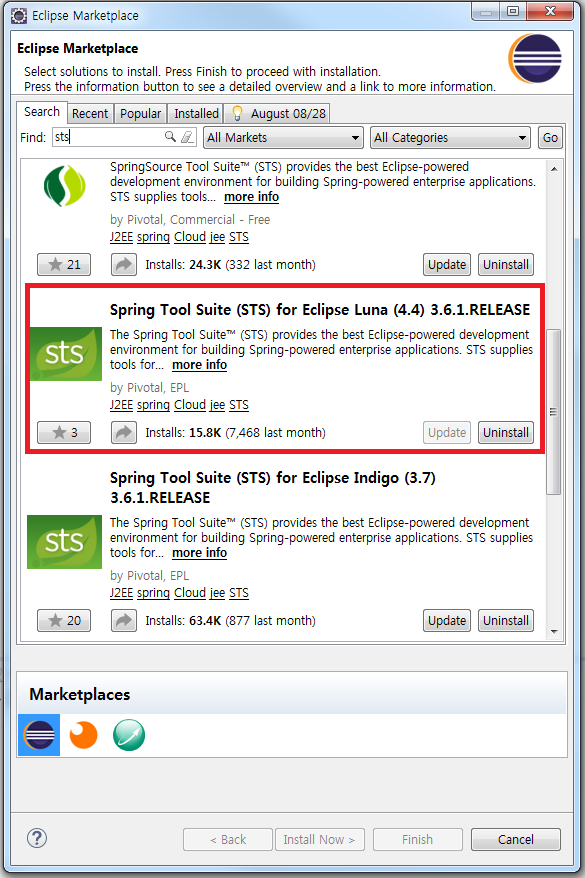
You can add dependency using mouse right click to pom.xml then typing mail.
Or this way.
Add this code.
- <!-- java mail -->
- <dependency>
- <groupId>javax.mail</groupId>
- <artifactId>mail</artifactId>
- <version>1.4</version>
- </dependency>
Second, add package folder and java file Email.java, EmailSender.java.

Email.java is setter and getter, EmailSender.java is sender.
This is Email.java
- public class Email {
- private String subject;
- private String content;
- return receiver;
- }
- this.receiver = receiver;
- }
- return subject;
- }
- this.subject = subject;
- }
- return content;
- }
- this.content = content;
- }
- }
Email.java consist of subject, content and receiver.
This is EmailSender.java
- import javax.mail.MessagingException;
- import javax.mail.internet.InternetAddress;
- import javax.mail.internet.MimeMessage;
- import org.springframework.beans.factory.annotation.Autowired;
- import org.springframework.mail.MailException;
- import org.springframework.mail.javamail.JavaMailSender;
- public class EmailSender {
- @Autowired
- protected JavaMailSender mailSender;
- MimeMessage msg = mailSender.createMimeMessage();
- try {
- msg.setSubject(email.getSubject());
- msg.setText(email.getContent());
- msg.setRecipients(MimeMessage.RecipientType.TO , InternetAddress.parse(email.getReceiver()));
- }catch(MessagingException e) {
- e.printStackTrace();
- }
- try {
- mailSender.send(msg);
- }catch(MailException e) {
- e.printStackTrace();
- }
- }
- }
EmailSender getting content, receiver and subject from Email.java then Sending using JavaMailSender.
This is Controller code.
- @Autowired
- private EmailSender emailSender;
- @Autowired
- private Email email;
- @RequestMapping("/sendpw.do")
- ModelAndView mav;
- if(pw!=null) {
- email.setContent("비밀번호는 "+pw+" 입니다.");
- email.setReceiver(e_mail);
- email.setSubject(id+"님 비밀번호 찾기 메일입니다.");
- emailSender.SendEmail(email);
- mav= new ModelAndView("redirect:/login.do");
- return mav;
- }else {
- mav=new ModelAndView("redirect:/logout.do");
- return mav;
- }
- }
This code getting id and e-mail from jsp.
And check the information.
If id and e-mail is right getting password from database.
This is bean setting.
- <!-- gmail -->
- <bean id="mailSender" class ="org.springframework.mail.javamail.JavaMailSenderImpl" >
- <property name="host" value="smtp.gmail.com" />
- <property name="port" value="587" />
- <property name="defaultEncoding" value="utf-8"/>
- <property name="username" value="your id@gmail.com" />
- <property name="password" value="your password" />
- <property name="javaMailProperties">
- <props>
- <prop key="mail.smtp.starttls.enable">true</prop>
- <prop key="mail.smtp.auth">true</prop>
- </props>
- </property>
- </bean>
- <bean id="email" class="spring.board.email.Email">
- </bean>
- <bean id="emailSender" class="spring.board.email.EmailSender">
- </bean>
Line 2~18 : mailSender is bean for JavaMailSender.
The bean consist of protocol, port, username and password.
Detail setting for Gmail is here .
Line 19~22 is bean for email and emailSender.
Running program

Redbox is link searching password.
If you click to link.

You can typing id and e-mail then click to button.

Go to my mailbox.
Arrived mail.

You can see your password.
If e-mail is wrong you can see this.